Revenue
$18,034
↑ 100% from last month
SynIQ connects to the platforms and files your business already uses, including accounting software, payment processors, operational platforms, and spreadsheets.
Information from each source is cleaned, standardized, and matched so your jobs, invoices, payments, expenses, and vendors can be analyzed together.
Your organized data is presented through practical dashboards that help you understand performance, identify problems, and make better decisions.
Your business data becomes clear, interactive dashboards that help you understand performance, spot changes, and see the details behind your numbers.
SynIQ lets you move beyond the high-level numbers and explore what’s driving them. Filter your data, drill into transactions, compare performance, and trace information back to its connected source—so you can answer the questions that matter to your business.
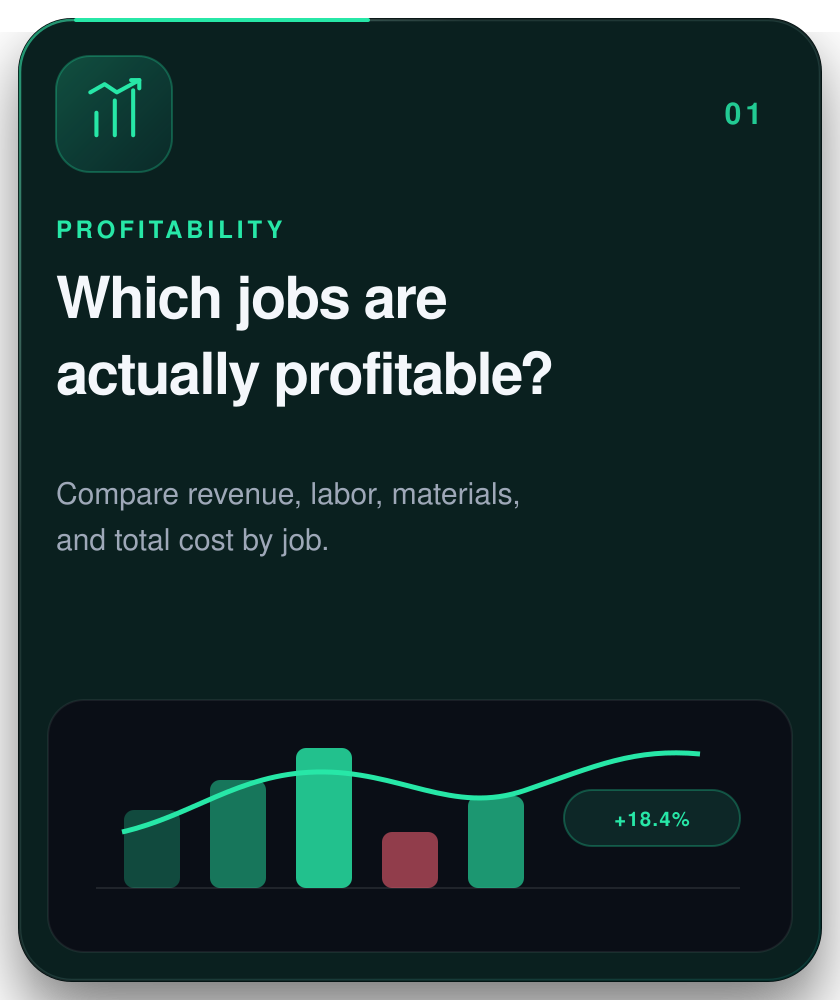
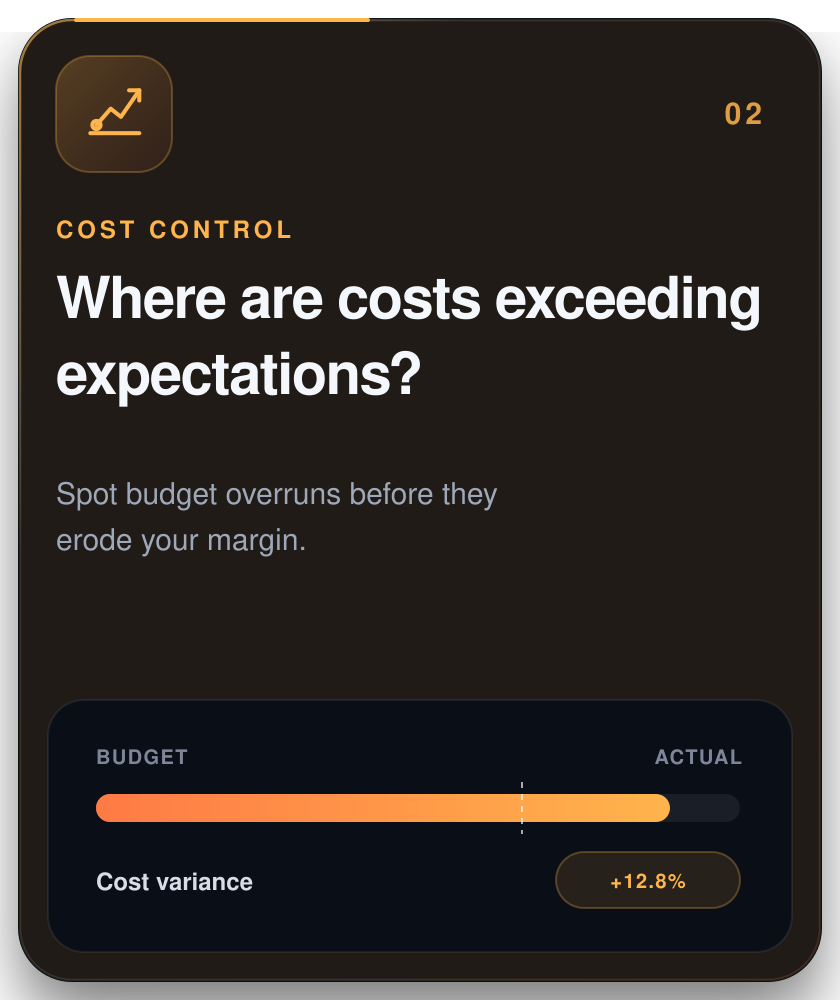
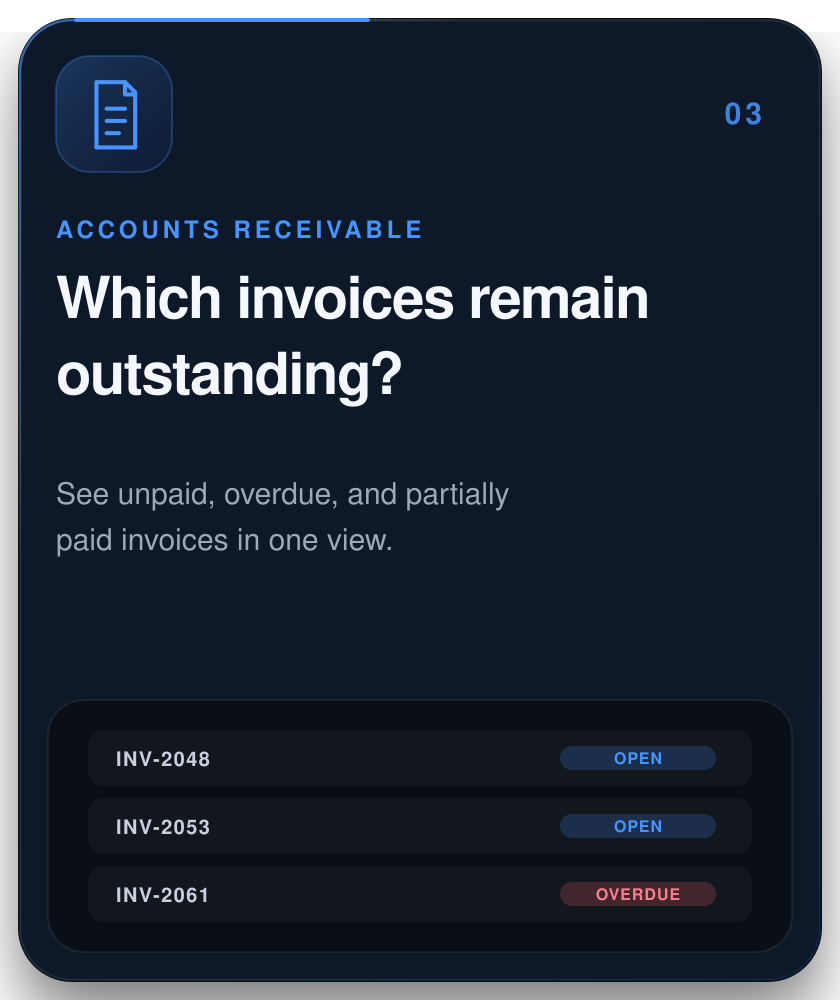
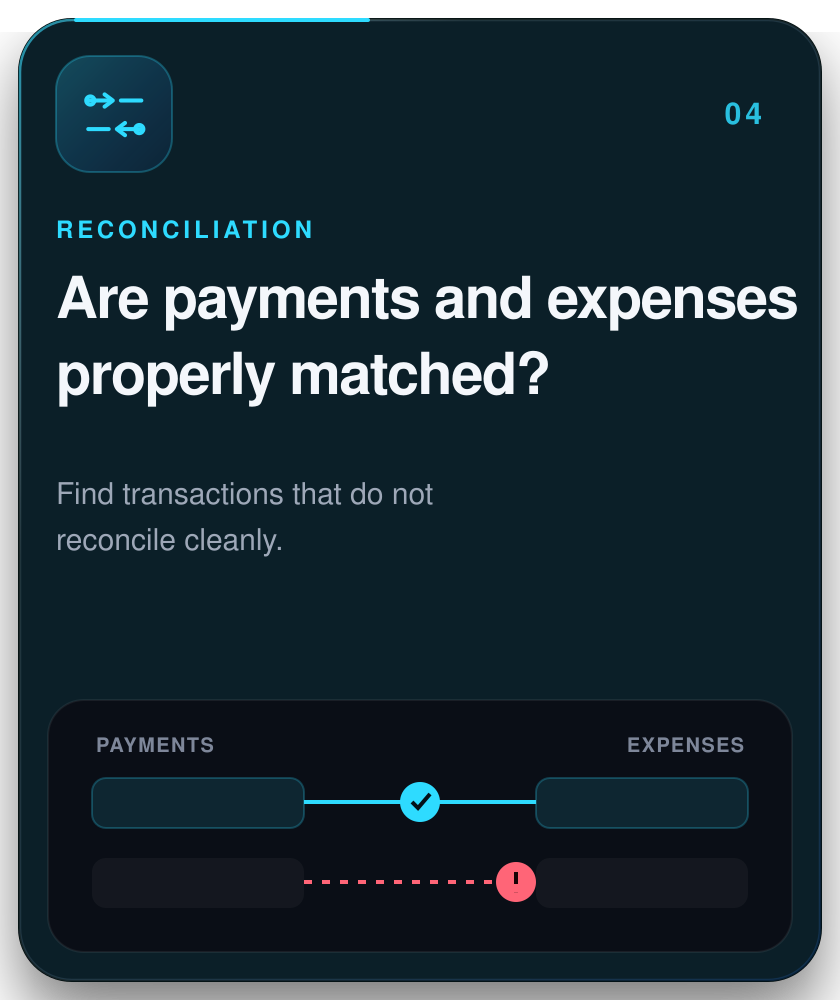
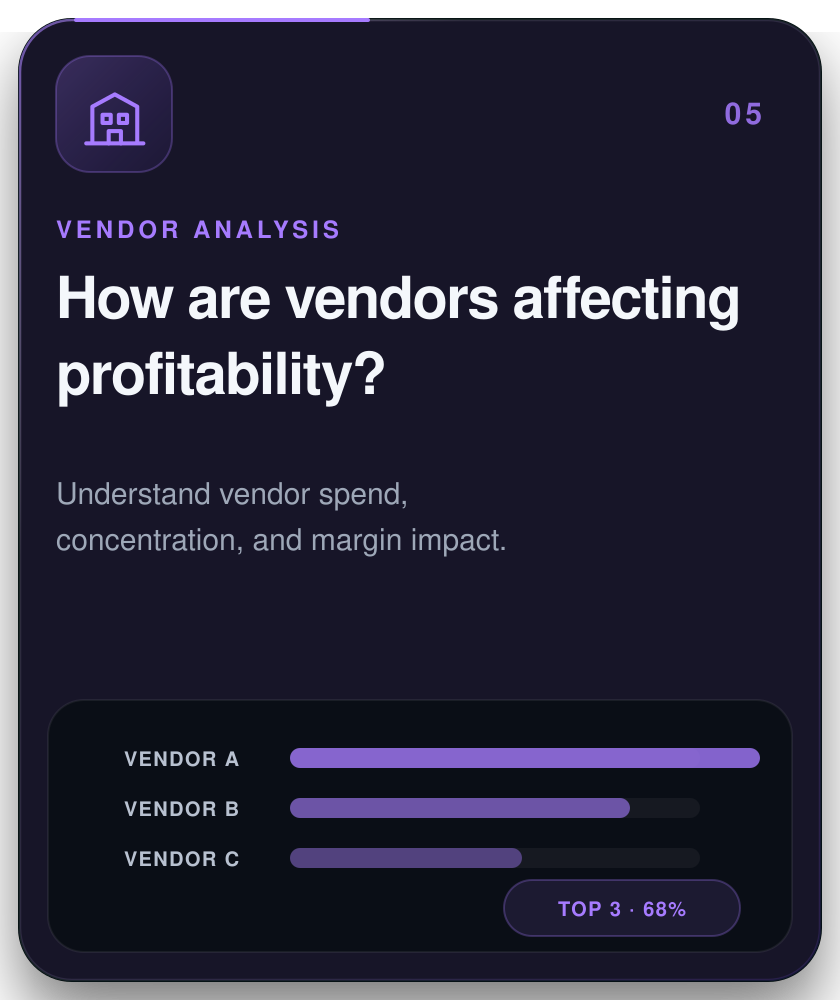
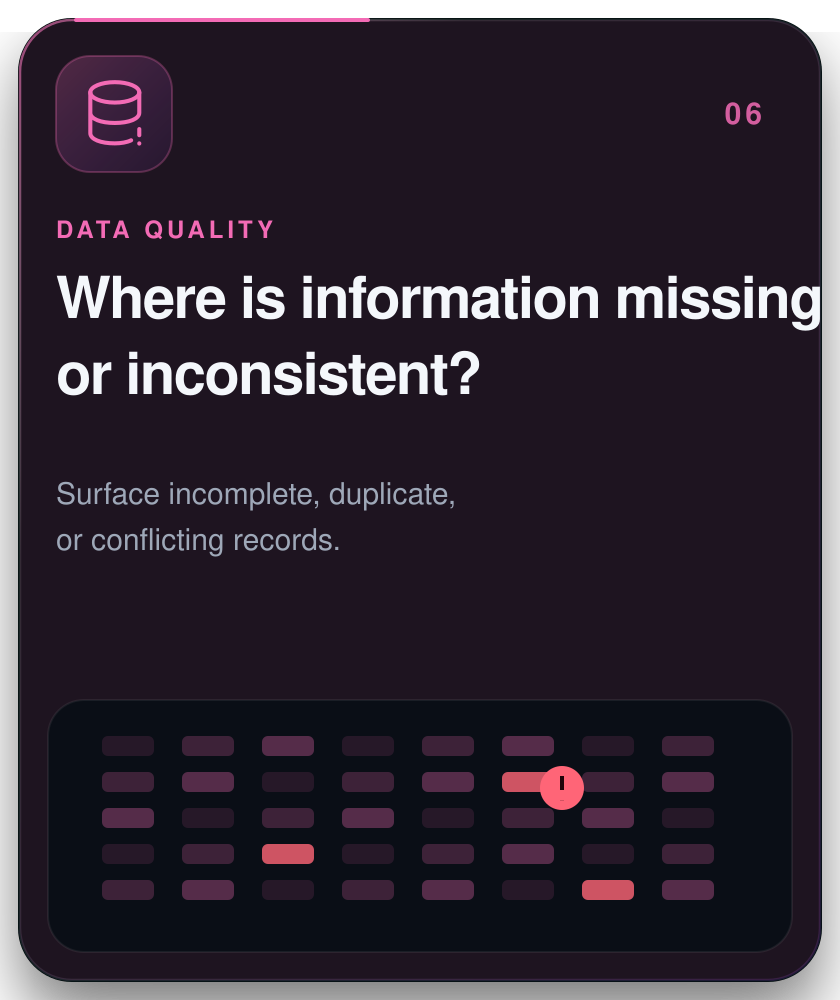
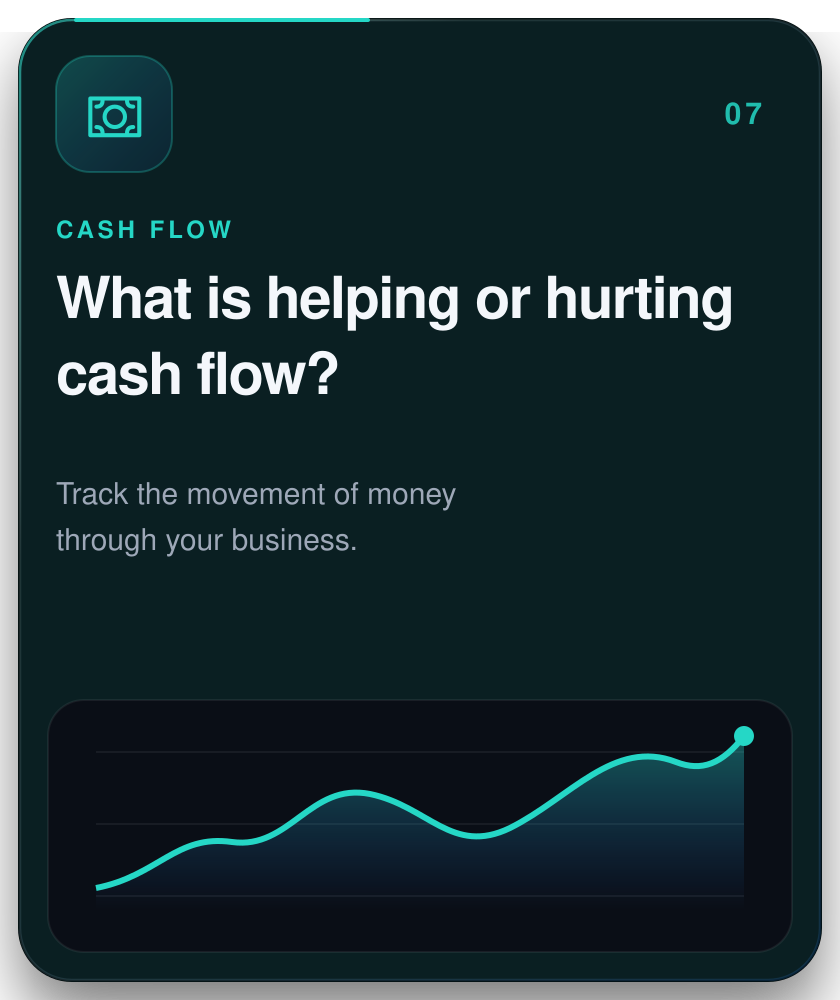
Connect the systems you already use and bring your financial and operational data together. SynIQ gives you one organized view of your business, so you can spend less time piecing together reports and more time acting on what the numbers are telling you.


SynIQ connects the financial and operational systems your business already uses and brings that information together in one intelligent workspace. It gives you interactive dashboards, customizable views, transaction-level detail, filtering, and performance insights so you can understand what’s happening across your business and explore the numbers behind it.
No. SynIQ works alongside QuickBooks and other business systems rather than replacing them. QuickBooks remains your accounting system, while SynIQ brings its data together with information from your other connected systems so you can analyze performance and see your business in one place.
SynIQ can connect with platforms such as QuickBooks, Stripe, Jobber, ServiceTitan, Excel, Google Sheets, and other compatible business systems and data sources. Available integrations may vary based on the platform, your SynIQ plan, and your business requirements.
Refresh frequency depends on the connected data source and your SynIQ setup. Some data can update automatically as new information becomes available, while other sources may refresh on a scheduled basis. SynIQ is configured to keep your dashboards as current as the connected systems allow.
No. SynIQ is designed for business intelligence, analytics, reporting, and visibility. It does not transfer funds, make payments, or initiate financial transactions on your behalf. Your connected systems remain responsible for those transactions.
Yes. Dashboards can be structured around the metrics that matter most to your business, including revenue, expenses, jobs, departments, locations, categories, budgets, and profitability.
Yes. SynIQ uses secure authentication and access controls designed to protect your business data. Access is restricted to authorized users within your organization, and SynIQ’s architecture is designed to keep each organization’s data separated from other customers.
Setup time depends on the number of systems being connected, the condition of your existing data, and the level of customization required. A straightforward setup may take several days, while more complex implementations may take a few weeks.
No. SynIQ is a business intelligence and analytics platform, not bookkeeping or accounting software. Your accounting system continues to handle your books and financial records, while SynIQ brings that data together with information from your other business systems to help you analyze performance and understand what’s happening across your business.
Yes. SynIQ can work with data from Excel, Google Sheets, and other compatible spreadsheet-based sources. This allows you to bring spreadsheet data together with information from your other connected business systems and analyze it within the same SynIQ environment.
No. SynIQ is designed for business owners and teams, not technical specialists. Once your data sources are connected and configured, you can use interactive dashboards, filters, customizable views, and transaction details without needing to write code or build reports yourself.

SynIQ brings your financial and operational data together, organizes it, and turns it into clear, practical dashboards—so you always know where your business stands.
Copyright © 2026 SynIQ. All rights reserved.